
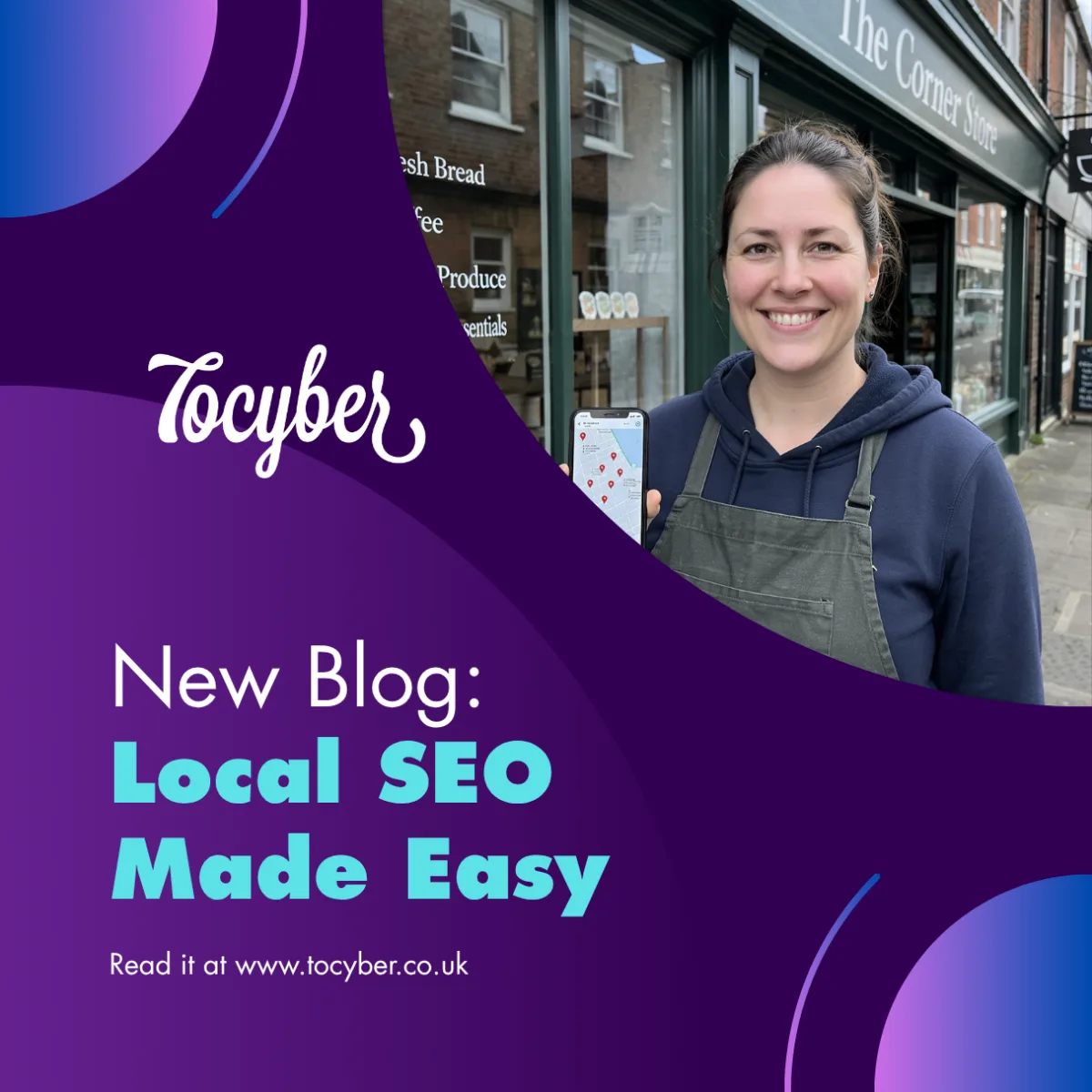
Local SEO for West Midlands Businesses: How to Get Found on Google Maps in 2027
Why Google Maps matters for local businesses
If you're not in the top three on Google Maps, most local customers will never see you.
Think about how you search yourself. You type "plumber near me" or "accountant Walsall", and Google shows a map with three businesses underneath. Most people pick one of those three and never scroll further.
That small box is called the local pack, and getting into it is what local SEO is all about. For a business in Walsall, Wolverhampton, Dudley, Sandwell or Birmingham, it can be the difference between a phone that rings every day and a phone that doesn't.
The good news? You don't need a big budget. You need to get a handful of basics right and keep at them. This guide walks you through exactly what to do.
What is local SEO? (In plain English)
Local SEO means helping Google understand three things about your business: what you do, where you do it and whether people trust you.
Google decides who appears in the local pack using three main signals:
- Relevance: how well your business matches what the person searched for.
- Distance: how close you are to the person searching, or to the place they typed.
- Prominence: how well known and trusted you are, judged by reviews, mentions around the web and your website.
You can't move your premises closer to every customer. But you can make your business more relevant and more prominent – and that's what the six steps below do.
Six steps to get found on Google Maps
Step 1: Claim and fully complete your Google Business Profile
Your Google Business Profile is the listing that appears on Google Maps and in the local pack. If you haven't claimed it yet, do it today at google.com/business – it's free.
Then fill in every section, not just the basics:
- Choose the most accurate primary category (for example, "Accountant" rather than "Business service"), then add a few secondary ones.
- Write a clear description of what you do and which areas you serve.
- Add your opening hours, including holiday hours for Christmas and bank holidays.
- List your services or products, with short descriptions.
- Upload real photos: your premises, your team, your work. Businesses with photos tend to get more clicks and direction requests.
A half-finished profile tells Google you're not very active. A complete one tells Google you're a real, open, trustworthy business.
Step 2: Keep your name, address and phone consistent everywhere
Google cross-checks your details across the web: your website, Facebook, Yell, Yelp, Bing, Apple Maps, Companies House and local directories. This is often called your NAP (name, address, phone number).
If one site says "Unit 4, High St" and another says "4 High Street", or an old phone number is still floating around, Google becomes less confident about you.
Pick one exact version of your name, address and phone number. Then check and update every listing you can find so they all match, word for word.
Step 3: Get (and reply to) reviews
Reviews are one of the strongest signals for local rankings, and they're what customers read before they call.
- Ask every happy customer. The best time is straight after a job is done. Send them your direct review link by text or email.
- Make it easy. Put the link on your invoices, email signature and receipts.
- Reply to every review – good and bad. Thank people by name. For a negative review, stay calm, apologise where it's fair and offer to sort it out offline.
Never buy reviews or write fake ones. Google removes them, and it can damage your listing. Slow and steady genuine reviews win every time.
Step 4: Create location pages on your website
If you serve several towns, give each one its own page on your website – for example, "Web Design in Walsall", "Web Design in Wolverhampton" and "Web Design in Dudley".
Each page should be genuinely useful, not a copy-and-paste with the town name swapped. Include:
- The services you offer in that area
- A short example of work you've done there, or a testimonial from a local customer
- Local details, such as areas covered or nearby landmarks
- A clear button to call, book or get a quote
This helps Google connect your business with searches in each town you serve.
Step 5: Post updates and photos regularly
Google Business Profile lets you publish posts, just like social media. Use it at least once a week to share:
- Offers and seasonal updates (Christmas opening hours, a January offer)
- Recent jobs, with before-and-after photos
- News, events and new services
Regular activity signals to Google that your business is open and active. It also gives searchers more reasons to choose you over the business next to you in the results.
Step 6: Make your website fast and mobile-friendly
Most local searches happen on a phone, often when someone needs a service quickly. If your website is slow, hard to read on a small screen or has no click-to-call button, they'll go back and pick a competitor.
Check that:
- Your site loads in under three seconds on mobile
- Your phone number is clickable
- There's a clear "Call", "Book" or "Get a quote" button near the top of every page
- Your name, address and phone number match your Google Business Profile exactly
- Your site has a security padlock (SSL), so browsers don't flag it as "Not secure"
You can test your speed for free with Google's PageSpeed Insights.
Common local SEO mistakes to avoid
- Stuffing keywords into your business name. Calling yourself "Best Plumber Walsall Cheap 24/7" on Google breaks its rules and can get your listing suspended. Use your real business name.
- Using a PO box or virtual office as your address. Google wants a real location. If you work from home and visit customers, set yourself up as a service-area business and hide your address.
- Setting it up once and forgetting it. An out-of-date profile with old hours or no recent posts slowly slips down the rankings.
- Ignoring reviews. Unanswered reviews, especially negative ones, put off customers and suggest nobody is minding the shop.
- Duplicate listings. Two profiles for the same business confuse Google and split your reviews. Remove or merge any duplicates.
- A website that doesn't mention where you work. If your town or area isn't on your site, Google has less reason to show you for local searches.
Your local SEO checklist
- ✅ Google Business Profile claimed and verified
- ✅ Every section of the profile completed, with the right primary category
- ✅ Real photos uploaded (premises, team, work)
- ✅ Name, address and phone number identical on every listing
- ✅ Review link sent to every happy customer
- ✅ Every review replied to
- ✅ A location page for each town you serve
- ✅ At least one Google Business Profile post a week
- ✅ Website loads in under three seconds on mobile, with click-to-call
Tick off one or two a week, and within a couple of months you'll have a far stronger presence on Google Maps than most of your local competitors.
Need a hand?
At Tocyber Technologies, we help West Midlands and Black Country businesses get found online – from fast, mobile-friendly websites to local SEO that brings in real enquiries.
If you'd like more local customers finding you on Google Maps, get in touch for a chat: connect@tocyber.co.uk | www.tocyber.co.uk





Leave a Reply